
Best WARDOGS settings
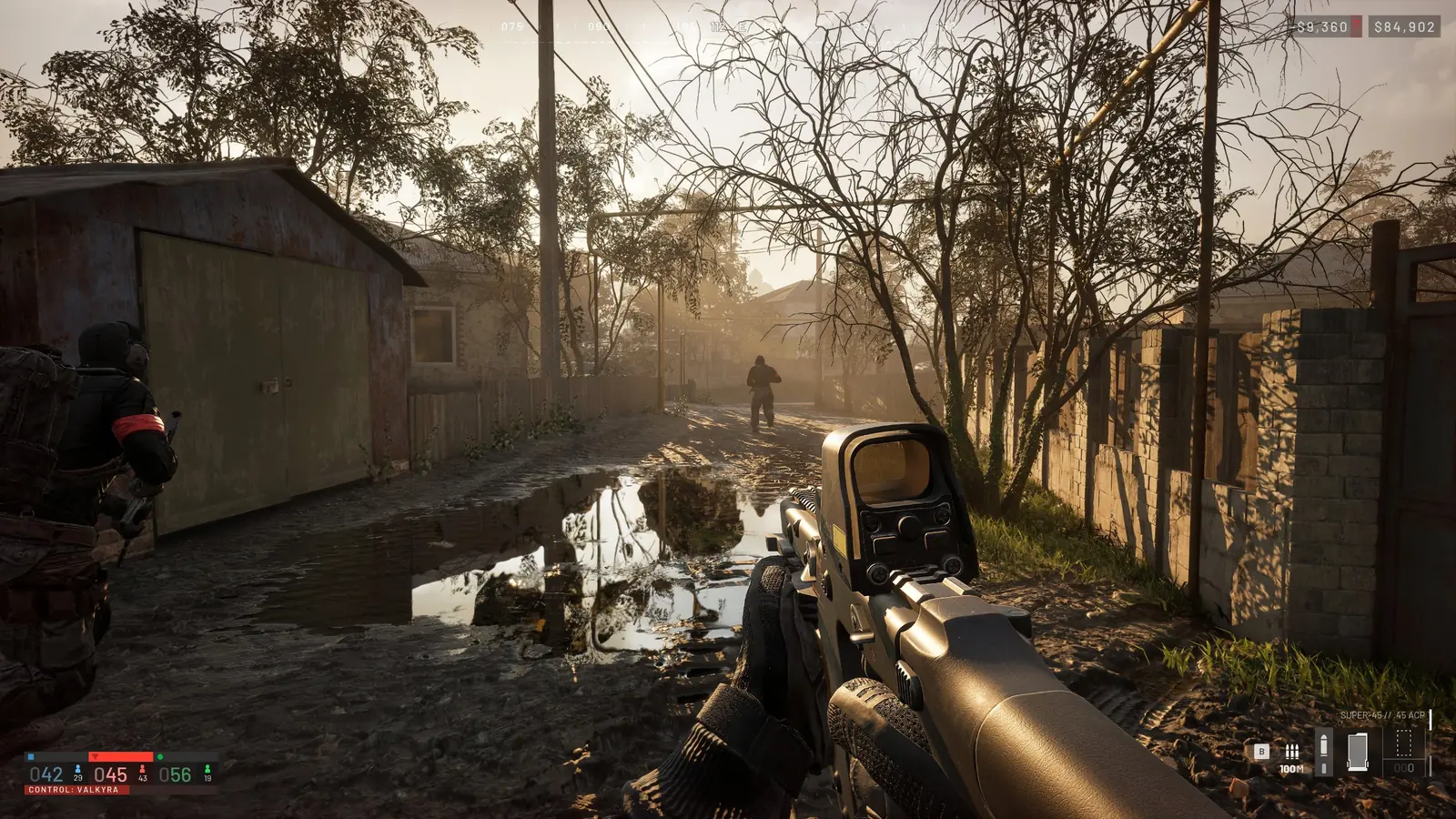
Competitive settings: maximum FPS and clearly visible enemies. Start here, then tune for your hardware.
Display
- Windowed Fullscreen, native resolution
- Frame limit = monitor refresh rate, VSync off, NVIDIA Reflex on
- Sharpness around 0.5
- Raise brightness until dark interiors are readable
Upscaling
- NVIDIA: DLSS (RTX cards), AMD: FSR
- 1080p/1440p: Quality, Balanced if you still need frames
- Frame Generation only if you already have 60+ FPS
Quality
- Mesh detail medium, view distance high (medium on low-end PCs)
- Global Illumination off, shadows low, reflections low, shading medium
- Effects medium, particles low, post-processing low
- Motion blur, depth of field, lens flare and bloom off, enemies are easier to spot
- Textures: high with 8 GB+ VRAM, medium/low with 4 GB
View and mouse
- FOV 95, vehicle FOV 90
- Picture-in-picture scopes off if you need FPS
- 800 DPI, mouse acceleration 0, ADS multiplier 1.0
- 3D Spatial Audio on, you hear where shots come from
240–500 Hz monitors
Set everything low except view distance and use Performance upscaling to hold high FPS. Cap frames slightly below your refresh rate.
FAQ
What FOV should I use in WARDOGS?
About 95 on foot and 90 in vehicles.
Should I use DLSS in WARDOGS?
Yes on RTX cards: Quality at 1080p/1440p gives frames with little loss of clarity.
WARDOGS
🐺 What is WARDOGS and how to play · 🛠 WARDOGS errors and crashes · 🖥 WARDOGS servers · 📈 WARDOGS player count · ♻️ WARDOGS wipe · 📅 WARDOGS release date · 🎮 WARDOGS platforms and price · 💥 WARDOGS mortar and artillery · 🎁 WARDOGS Twitch Drops · 🪙 Gold price · 🗳 Weapon meta · 🏅 Tier list · ⚖️ Weapon comparison · 🛒 Rent a server · 💰 Prizes and payouts