
WARDOGS errors and crashes
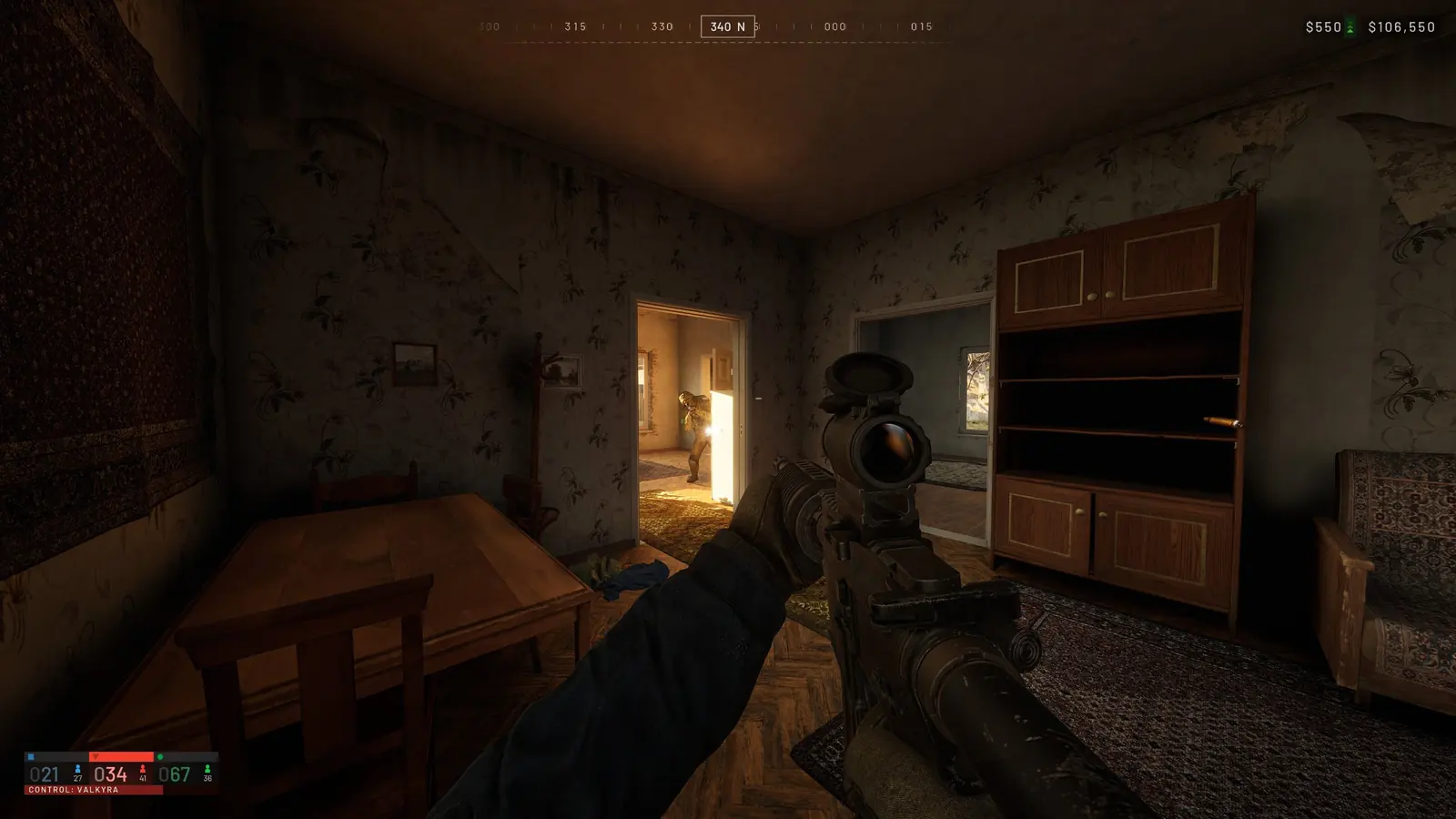
Almost every WARDOGS launch error looks like WD-L plus a number. Search by the code; the text after it doesn't matter.
Error codes
- WD-L020, linked to Windows 11 update KB5124010. Update the game on Steam; if it persists, uninstall that Windows update, run the Elytra repair and restart.
- WD-L018, often antivirus (especially Kaspersky). Add the game folder to exclusions, verify files, run the Elytra repair as admin.
- WD-L014, a fix is in development; use the general steps for now.
- WD-L009 ('Certificate signature cannot be verified'), reinstall Visual C++ Redistributables and DirectX, then the Elytra repair.
- WD-L004, WD-L006, WD-L007: Elytra repair, verify files, reboot.
General steps
- Run Elytra-Setup.exe from the game folder → Repair, verify files in Steam, reboot
- Windows 11: temporarily turn off Memory Integrity
- Leave the Windows Insider program
- Uninstall the old WARDOGS Playtest app
- Update your GPU driver
- Still stuck, post in Steam's Report a Problem board with the code, GPU and Windows version
Is WARDOGS down?
If many players can't connect at once, it's an outage on the developer side, check WARDOGS news and our Discord.
Linux and Steam Deck
Since September 2026 the game uses the Elytra anti-cheat, which doesn't run under Proton, so WARDOGS currently doesn't work on Linux or Steam Deck.
FAQ
How do I fix WD-L020 in WARDOGS?
Update the game, uninstall Windows update KB5124010, run the Elytra repair and reboot.
Why does WARDOGS crash?
Usually antivirus, an old GPU driver or broken files, verify files and update your driver.
WARDOGS
🐺 What is WARDOGS and how to play · ⚙️ Best WARDOGS settings · 🖥 WARDOGS servers · 📈 WARDOGS player count · ♻️ WARDOGS wipe · 📅 WARDOGS release date · 🎮 WARDOGS platforms and price · 💥 WARDOGS mortar and artillery · 🎁 WARDOGS Twitch Drops · 🪙 Gold price · 🗳 Weapon meta · 🏅 Tier list · ⚖️ Weapon comparison · 🛒 Rent a server · 💰 Prizes and payouts